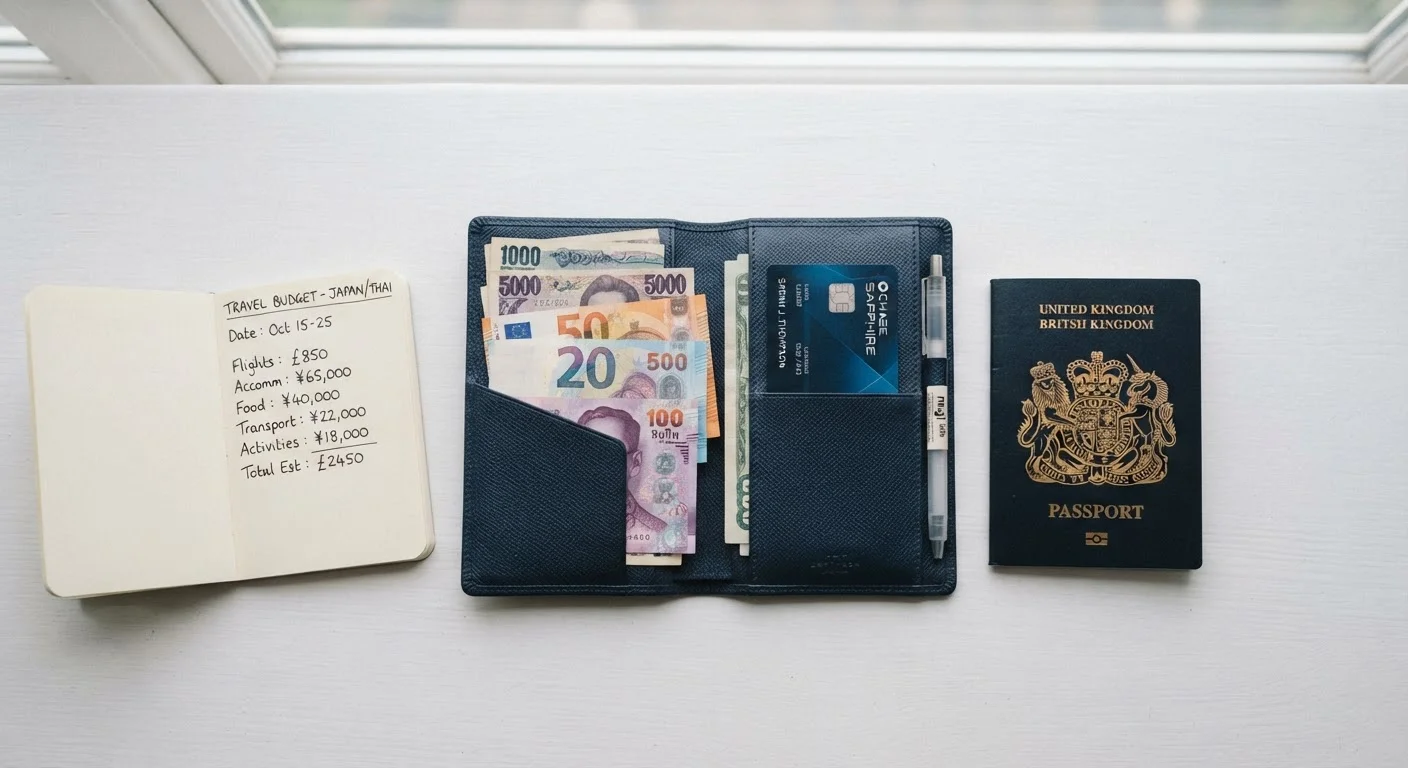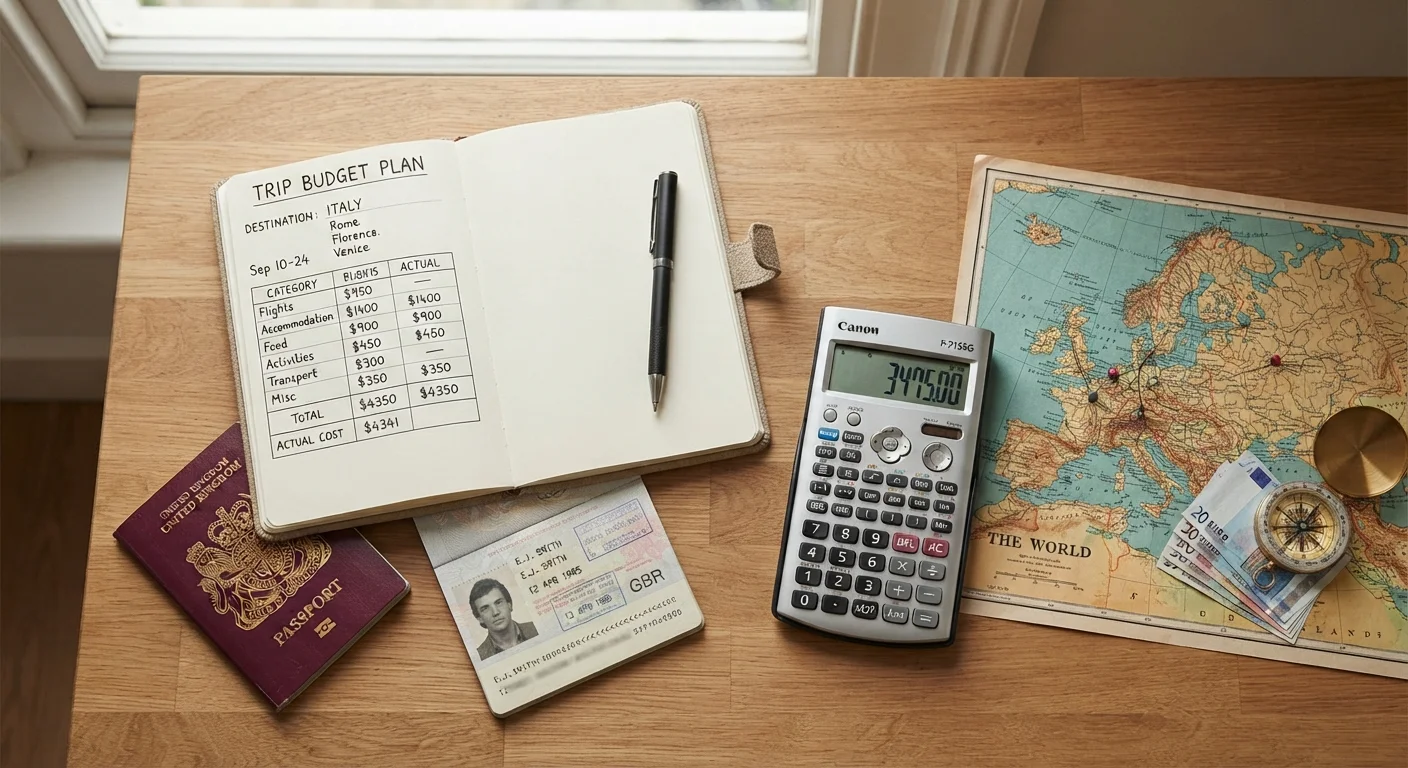
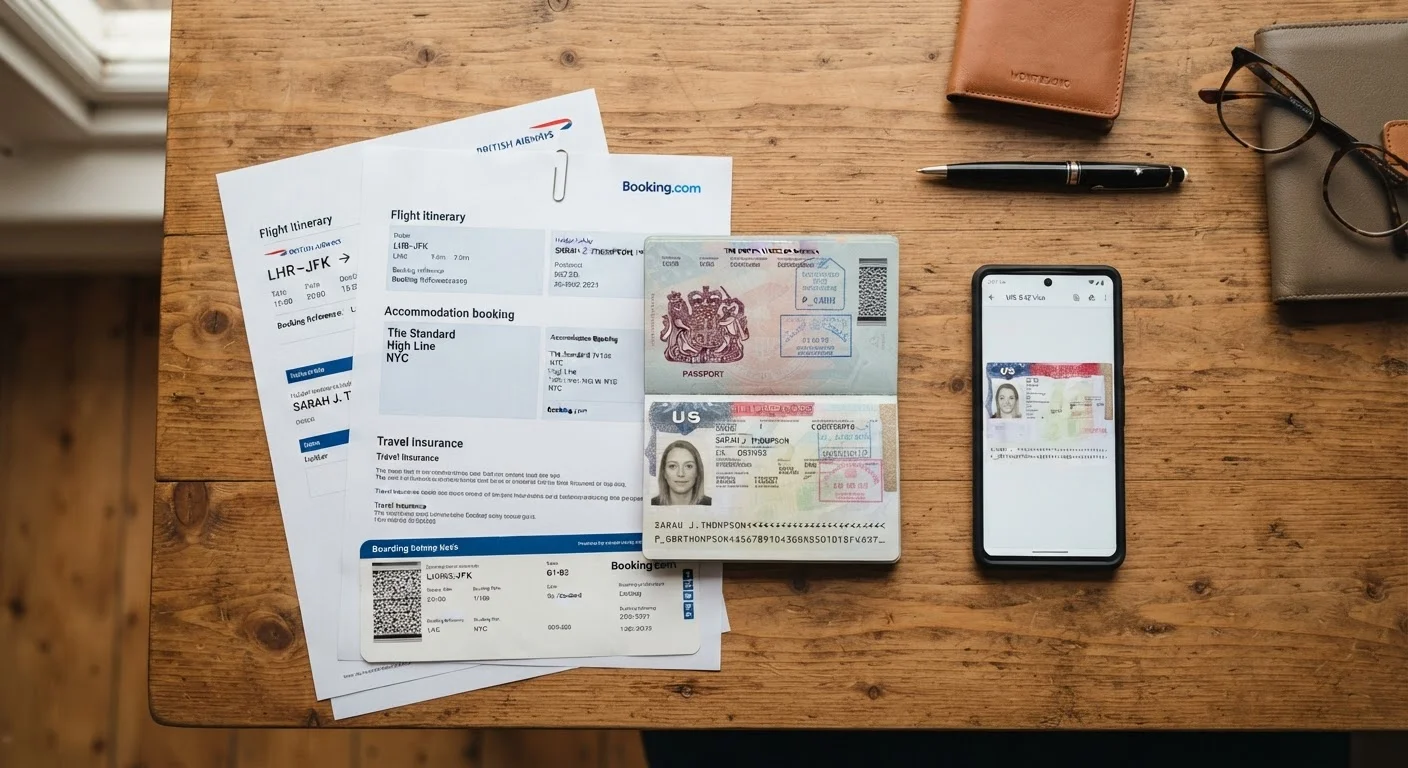
The Scenario Most Travelers Don't Picture Until It Happens
You're at a busy train station abroad. You reach into your bag — and your passport is gone. In that moment, a photocopy or a phone screenshot becomes one of the most important things you own. Without any record of your passport number, date of issue, or issuing authority, even the U.S. embassy will need extra time to help you.
This is not a rare edge case. Pickpocketing, bag theft, and accidental loss are among the most commonly reported travel incidents. The travelers who recover fastest aren't the ones who avoided misfortune — they're the ones who prepared before they left home. Document backups are that preparation.
Copies Don't Replace Originals at Border Control
Printed or digital copies of your passport are not accepted as entry documents at most international borders. Their value is in recovery situations — reporting theft, applying for emergency travel documents, and verifying identity with airlines or banks. Always travel with your original passport and keep it accessible but secure.
What to Copy and Where to Keep It
Not every document in your wallet needs copying, but these should be non-negotiable before any international trip:
- Passport photo page — the single most important copy you'll make
- Visa or entry permit, if applicable
- Travel insurance policy including the emergency assistance phone number
- Driver's license
- Airline confirmation numbers and hotel reservations
- Bank emergency contact numbers (not just the card itself)
Once you have copies, separation is what makes them useful. Keep a printed copy in a different bag from your originals — a daypack, a money belt, or a hotel safe. Store digital copies in a password-protected cloud service accessible from any device. Then share a set with a trusted contact at home who can forward them to you if needed.
For more on keeping your finances protected during travel, see protecting your funds abroad.
Make Copies the Night Before You Pack
Set a specific time — ideally the evening before you finish packing — to photograph or scan your documents and upload them to secure cloud storage. Doing this as a deliberate step, rather than hoping you'll remember, means it actually happens. Add it to your packing checklist alongside your charger and travel insurance.
Why Document Copies Speed Up Emergency Help
When you report a stolen passport to local police, they'll ask for identifying details. When your embassy processes an emergency passport, they need your passport number and issue date. When an airline tries to rebook a stranded passenger, having your booking reference changes everything. Document copies answer all of these questions immediately.
The U.S. Department of State recommends traveling with copies of your passport and keeping them separately from the original — this is standard, practical guidance that many first-time travelers simply haven't encountered yet. Always verify current entry and replacement requirements directly with official government sources before you travel, as rules vary by destination and can change.
~50,000
U.S. passports reported lost or stolen annually abroad
The U.S. Department of State processes tens of thousands of emergency passport cases each year, underscoring how common this situation is for American travelers.
1 in 4
Travelers who have experienced theft or document loss
Travel industry surveys consistently find that a significant share of frequent travelers have dealt with lost, stolen, or misplaced travel documents at least once.
For a complete pre-departure checklist that includes document prep alongside financial readiness, see the travel money readiness checklist.
Keeping Digital Copies Secure
Storing a scan of your passport in an unsecured app or unencrypted email thread creates a different kind of risk — identity exposure. A few habits prevent this:
- Use a cloud storage service with two-factor authentication enabled.
- Do not store document photos in your general camera roll without a lock screen on your phone.
- Avoid accessing sensitive files on public Wi-Fi without a VPN — for more on that, see how to protect your data on public Wi-Fi.
Physical copies have one major advantage over digital ones: they work without a charged battery, a Wi-Fi connection, or a functioning phone. Carrying both formats covers you in almost every scenario.
Pairing document security with broader habits around protecting your valuables makes a real difference — keeping your belongings safe in unfamiliar places covers the full picture.