
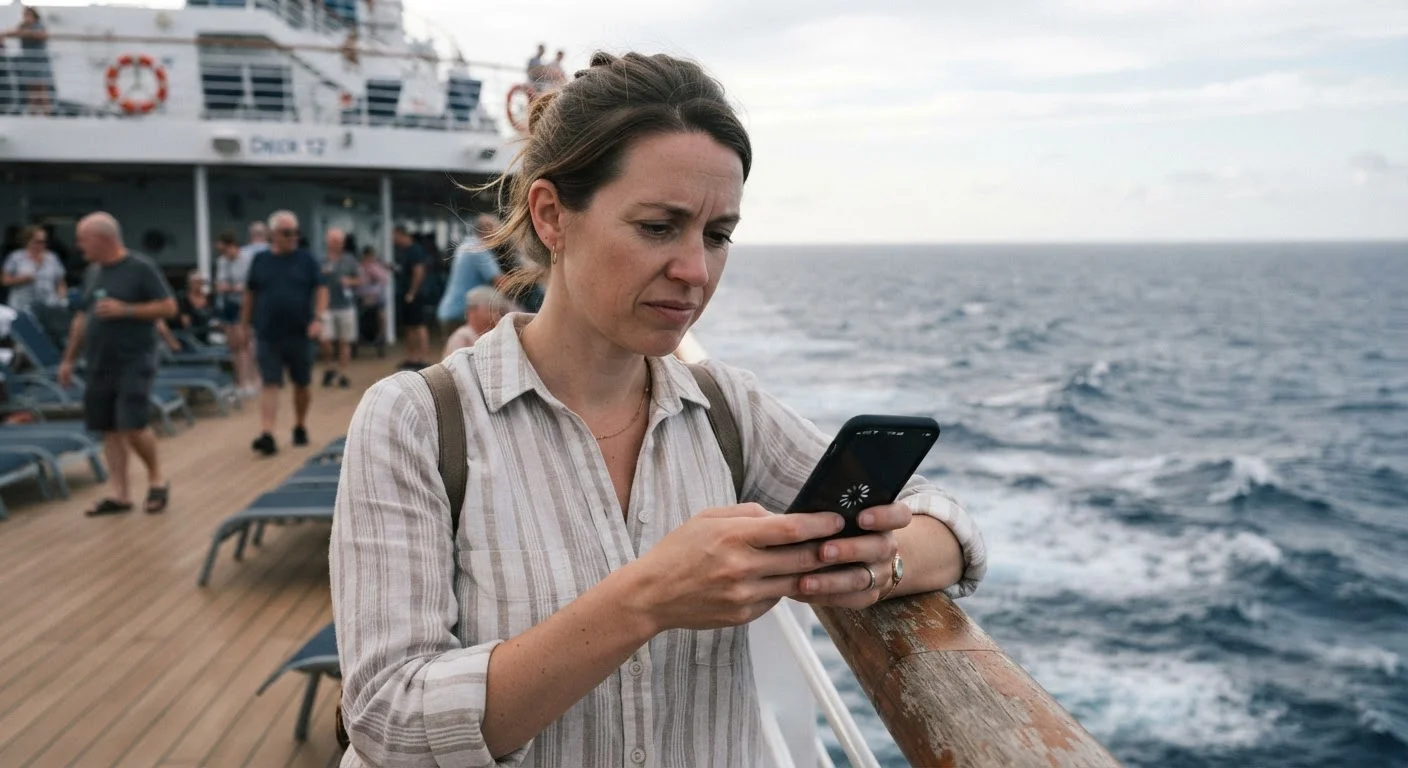
Why Cruise Ship Wi-Fi Works Differently
On land, your home internet arrives via cables buried underground or fiber lines running directly to your building. At sea, a cruise ship has only one option: satellites orbiting hundreds to thousands of miles above Earth. Every byte of data - your email, your video call, your social media scroll - must travel up to a satellite and back down again before reaching you. That round-trip introduces latency (delay) that simply doesn't exist on a land-based connection.
Compounding this, a large cruise ship might carry 3,000 to 5,000 passengers, many of whom are trying to connect at the same time. The ship's satellite bandwidth is shared across all of them. The result is a connection that can feel responsive one moment and frustratingly sluggish the next - especially during peak hours like mornings at sea or just after dinner.
That said, the technology is genuinely improving. Several cruise lines have begun outfitting ships with low-Earth orbit satellite systems, which reduce latency and increase speed significantly compared with older geostationary satellite setups. Whether a ship you're considering has been upgraded is worth checking before you book, particularly if connectivity matters to you.
Common Myths About Cruise Wi-Fi - Corrected
First-time cruisers often arrive with expectations shaped by land-based travel or by marketing language that can be easy to misread. The myth-and-fact pairs below address the most widespread misconceptions.
Myth
Wi-Fi is included in my cruise fare - it's a modern ship, so of course it's free.
Fact
Wi-Fi is almost universally an add-on cost, not a standard inclusion, regardless of ship age or size.
Unlike hotel stays where complimentary Wi-Fi has become an industry norm, cruise lines have consistently kept internet access as a paid amenity. A handful of luxury or ultra-premium lines include it in elevated fares, but for the vast majority of mainstream cruises, you will pay separately for a connectivity package. Always read the inclusions list carefully - the word "connected" in marketing materials usually refers to entertainment systems, not internet access.
Myth
Cruise ship Wi-Fi is so slow it's basically useless.
Fact
Speed varies enormously by ship, route, and time of day - some ships now offer genuinely usable broadband at sea.
The stereotype of unusably slow cruise Wi-Fi was accurate for many years but is increasingly outdated on newer vessels. Ships equipped with low-Earth orbit satellite technology can deliver speeds sufficient for video streaming, video calls, and remote work during off-peak hours. Older ships on older satellite systems, however, may still deliver the slow, intermittent experience the reputation is built on. The honest answer is: it depends on the specific ship, and it's worth finding out before you book.
Myth
Once I'm at sea, I have no way to connect unless I pay for the ship's Wi-Fi.
Fact
Port stops give you regular opportunities to access land-based internet, often at lower cost or for free.
Most cruise itineraries include multiple port calls where passengers go ashore for several hours. In nearly every port town - from the Caribbean to the Mediterranean - local cafés, restaurants, and public squares offer Wi-Fi access. This gives you a predictable daily or every-other-day window to sync messages, make calls, and handle anything time-sensitive without touching the ship's network. Travelers who plan around port connectivity often find they don't need a ship package at all.
Myth
I can stream movies and video chat freely once I buy any Wi-Fi package.
Fact
Budget-tier packages are often throttled or restricted; streaming typically requires the highest-tier plan.
Most cruise lines sell tiered Wi-Fi packages. The entry-level tier is usually designed for messaging apps and email only - it may actively block or throttle video streaming and voice/video calls. Streaming services and video conferencing generally require a premium-tier package, which costs noticeably more per day. Read the package descriptions carefully before purchasing, and don't assume that buying any Wi-Fi plan means unrestricted access.
Myth
My phone will automatically use the ship's Wi-Fi without extra charges.
Fact
Without deliberate settings changes, your phone may connect to maritime cellular networks and generate large roaming charges.
Cruise ships often operate their own cellular network at sea, sometimes called a maritime roaming network. If your phone is not in airplane mode and your carrier agreement includes maritime data, calls and data usage through this network can be billed at very high per-minute or per-megabyte rates - sometimes without any warning notification. The safe habit is to enable airplane mode as soon as you board, then selectively connect to ship Wi-Fi when you've purchased a package or wait until you're ashore.
Staying Connected Without Breaking the Budget
Wi-Fi packages are almost always sold separately from the cruise fare. As our breakdown of what's included in a cruise fare explains, connectivity is among the most common surprises on a final onboard bill. Packages are typically priced per day and tiered - a basic plan might handle messaging apps and email, while a premium plan is needed for streaming or video calls.
A few practical strategies help you manage costs:
- Buy the package before boarding. Most lines offer a pre-cruise discount compared to the onboard price.
- Share a package across devices strategically. Many plans limit simultaneous device connections; decide which device matters most.
- Use ports as your connectivity window. Most port towns have cafés and public spaces with free or inexpensive Wi-Fi. Downloading podcasts, syncing email, and making video calls while ashore can reduce your dependence on the ship's network entirely.
- Enable airplane mode by default. International roaming charges from your mobile carrier can be substantial at sea. Turn on airplane mode when you board and rely on ship Wi-Fi or port connections intentionally.
Watch Out for Maritime Roaming Charges
If you do not enable airplane mode when boarding, your smartphone may silently connect to the ship's maritime cellular network and accumulate significant roaming charges. These charges come from your mobile carrier, not the cruise line, and can be difficult to dispute. Enable airplane mode immediately after boarding and only reconnect intentionally through the ship's Wi-Fi or once you're ashore.
For anyone handling sensitive tasks - banking, work logins, or sharing passwords - treat ship Wi-Fi the same way you'd treat any shared public network. Our companion guide on protecting your data on public Wi-Fi walks through practical precautions worth taking before you sail.
Setting Realistic Expectations Before You Board
The passengers who feel most at ease with cruise Wi-Fi are those who board with clear expectations rather than assumptions. If you're traveling for genuine relaxation, the natural rhythm of a cruise - sea days, port days, scheduled activities - often makes heavy internet use feel less necessary than it does at home. Many travelers report that limited connectivity becomes a feature rather than a frustration once they settle in.
If you genuinely need reliable connectivity for work or family obligations, research the specific ship's technology before booking. Newer vessels on major routes are more likely to carry upgraded satellite systems. Older ships on remote itineraries - think expedition routes in polar regions - may have the most limited and expensive connectivity of all.
Cruise Wi-Fi is neither the disaster some forums suggest nor the seamless experience marketing sometimes implies. It's a specialized utility with real constraints, and understanding those constraints lets you plan around them rather than be blindsided by them.